
Diary and booking settings
Record your data-retention period
Save how many months the clinic intends to keep booking and patient records.
For: Owners and administrators
Before you start
- Your clinic’s agreed policy for keeping patient and booking records.
Save the period
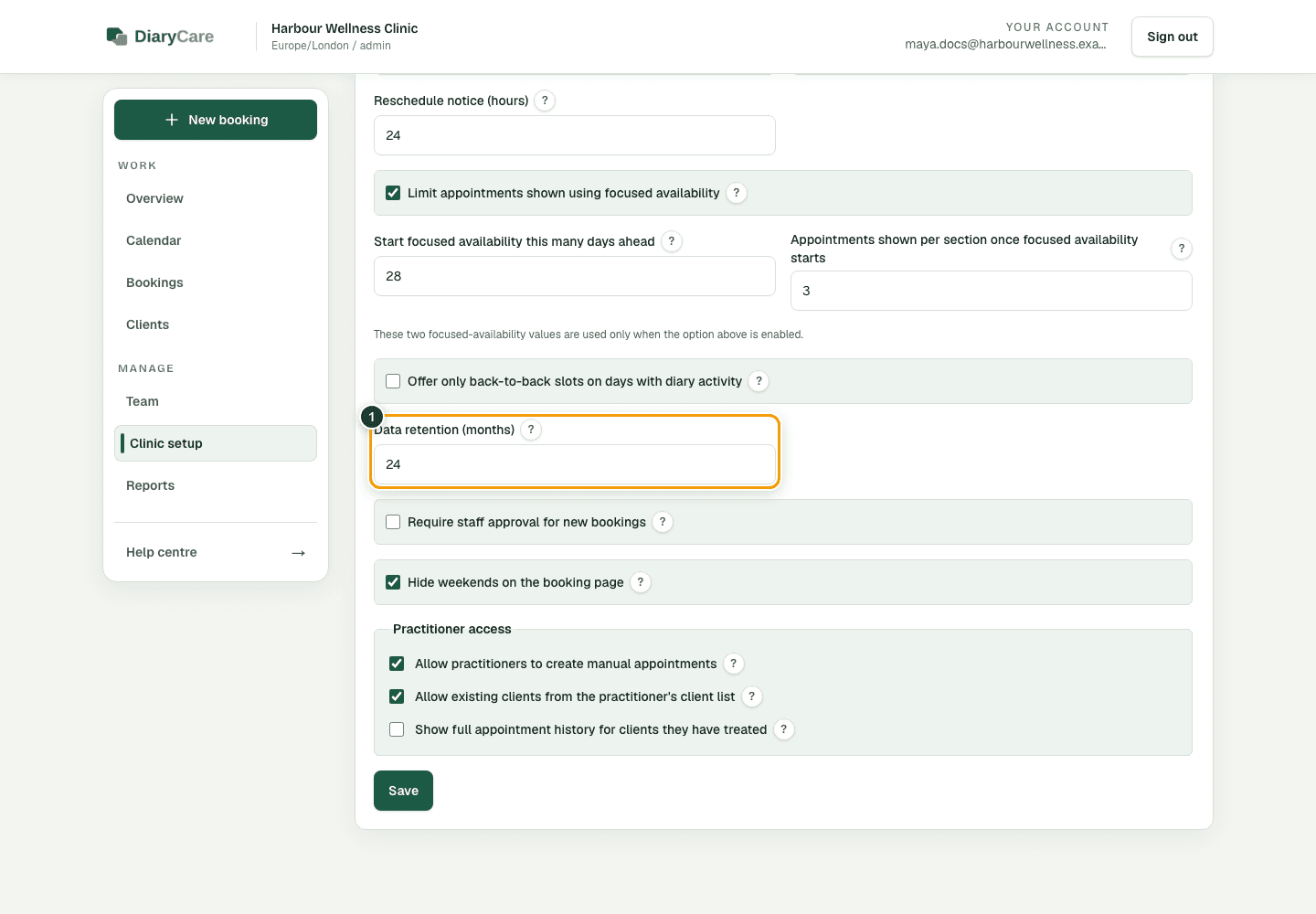
- Open Clinic setup → Booking rules.
- In Data retention, enter a period from 1 to 120 months.
- Select Save.
What the numbers show
- 1Enter the agreed retention period from 1 to 120 months.
What the setting currently does
DiaryCare currently stores this period as the clinic’s intended retention setting. It does not yet automatically delete or anonymise patient or booking records when the period ends.
Good to know: Do not rely on this setting as an automated deletion process. Continue to follow your clinic’s current record-management process and legal obligations.
Couldn’t find the answer?
Email contact@diarycare.co.uk and tell us which step you reached.
Contact support